Integration Guide: KYB via API
Solution overview
- Silently orchestrates Persona’s suite of Know Your Business features, including running reports and verifying Business Owners
- Can be configured to support a variety of countries and Owner verification types
Pre-integration
- Make sure your organization is set up with the requisite transaction and workflows! Reach out to your Persona team for support with this.
- Review the intended flow with your Persona team and confirm which reports and verification checks will be run
- Think about if you will be incorporating manual review on the business or are looking for a fully automated interaction (Persona can accommodate for either)
Integration steps
1. Create the Transaction
- Please ensure you’re including the
reference_idproperty under theattributesobject: this will be the value you use to identify the business in your own internal systems - Use your Production API key to create Production transactions, and your Sandbox API key to create Sandbox transactions
Transaction fields
Whether or not these fields are required will depend on your configuration of required and non-required inputs for each country.
Associated Person object fields
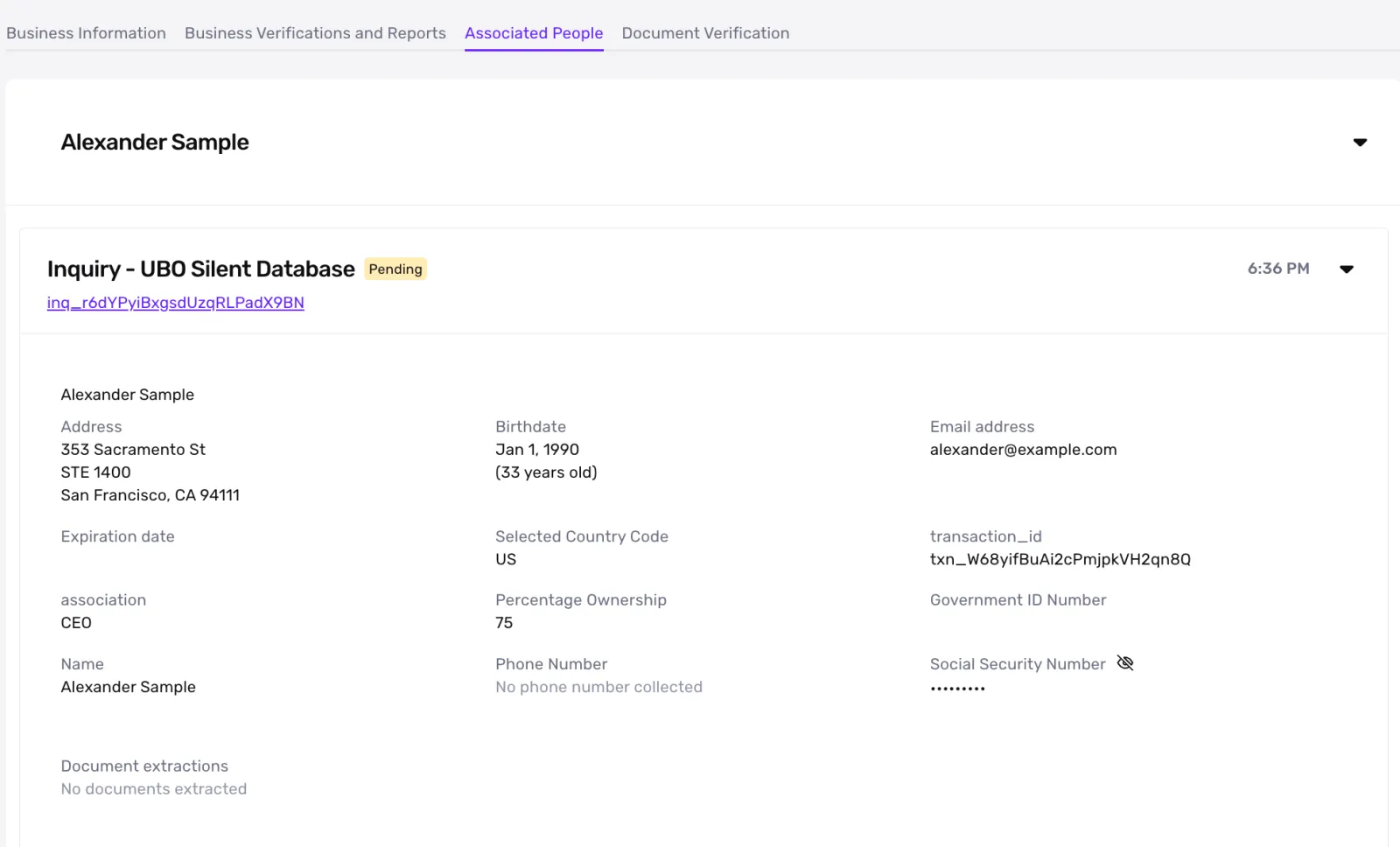
Depending on your setup, you will either include all the information necessary to run a silent Database verification on every Associated Person (“DB Only”), or you will provide their name and email to the transaction and Persona will email them a link to verify themselves (“Inquiry only”).
Address object fields
Sample cURL commands
You can use send your business data over in application/json or multipart/form-data formats. If you’re uploading any business documents, we recommend using a multipart/form-data style of request.
You’ll need to add in your own values for the following: <api_token>, transaction_type_id, reference_id, and the email_address fields for the associated people.
2. Listen for the Transaction status
We recommend listening to the transaction.status-updated webhook (docs) to know when to proceed with the business. You can alternatively make an API call to fetch the transaction (docs)
Transaction statuses
Below are the default statuses that Persona includes in a KYB Transaction. You can make your own modifications as it fits your use case. To view and edit these statuses, click “… > Custom Statuses” on your transaction type’s page
KYB Case and manual review
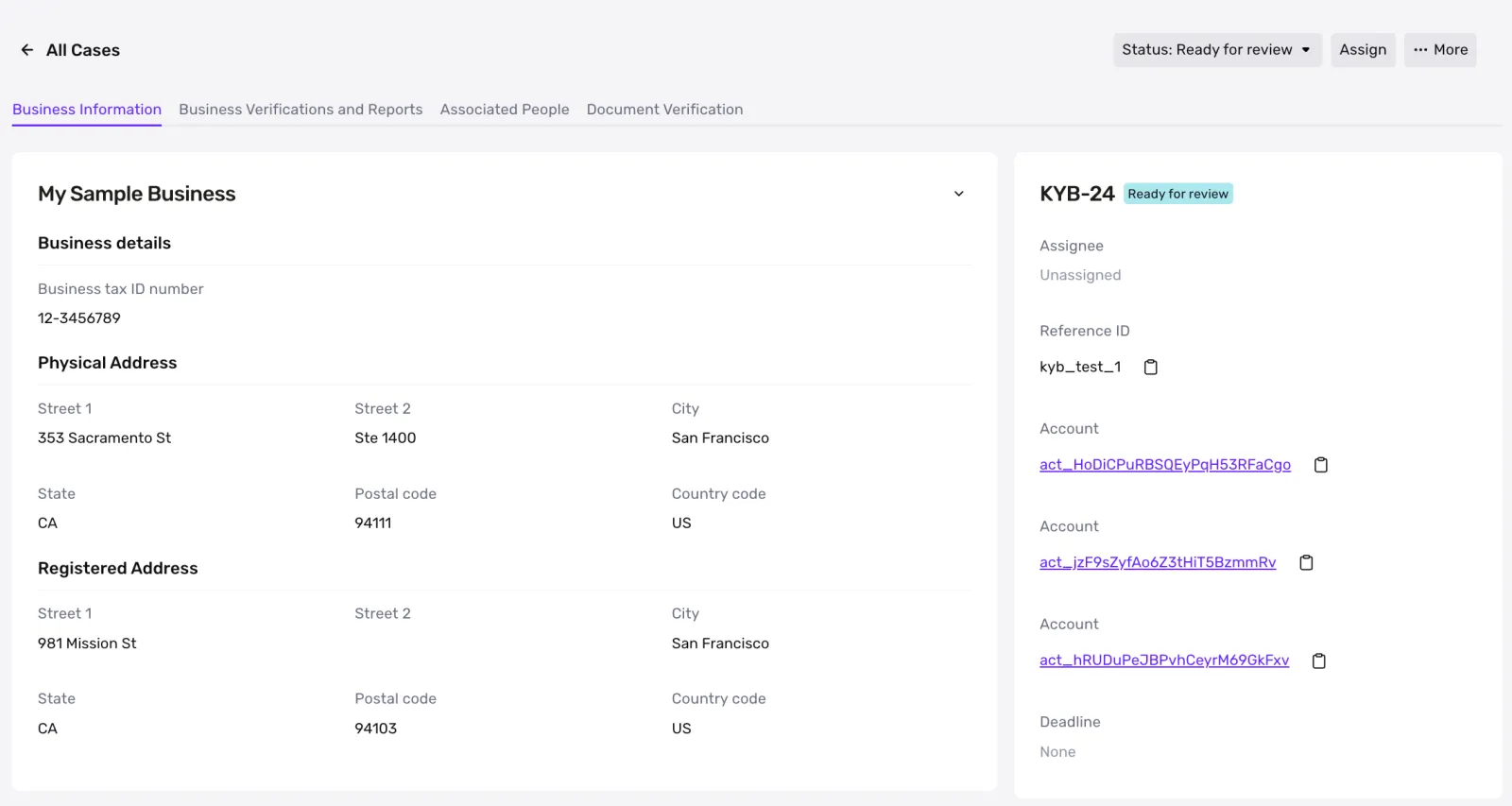
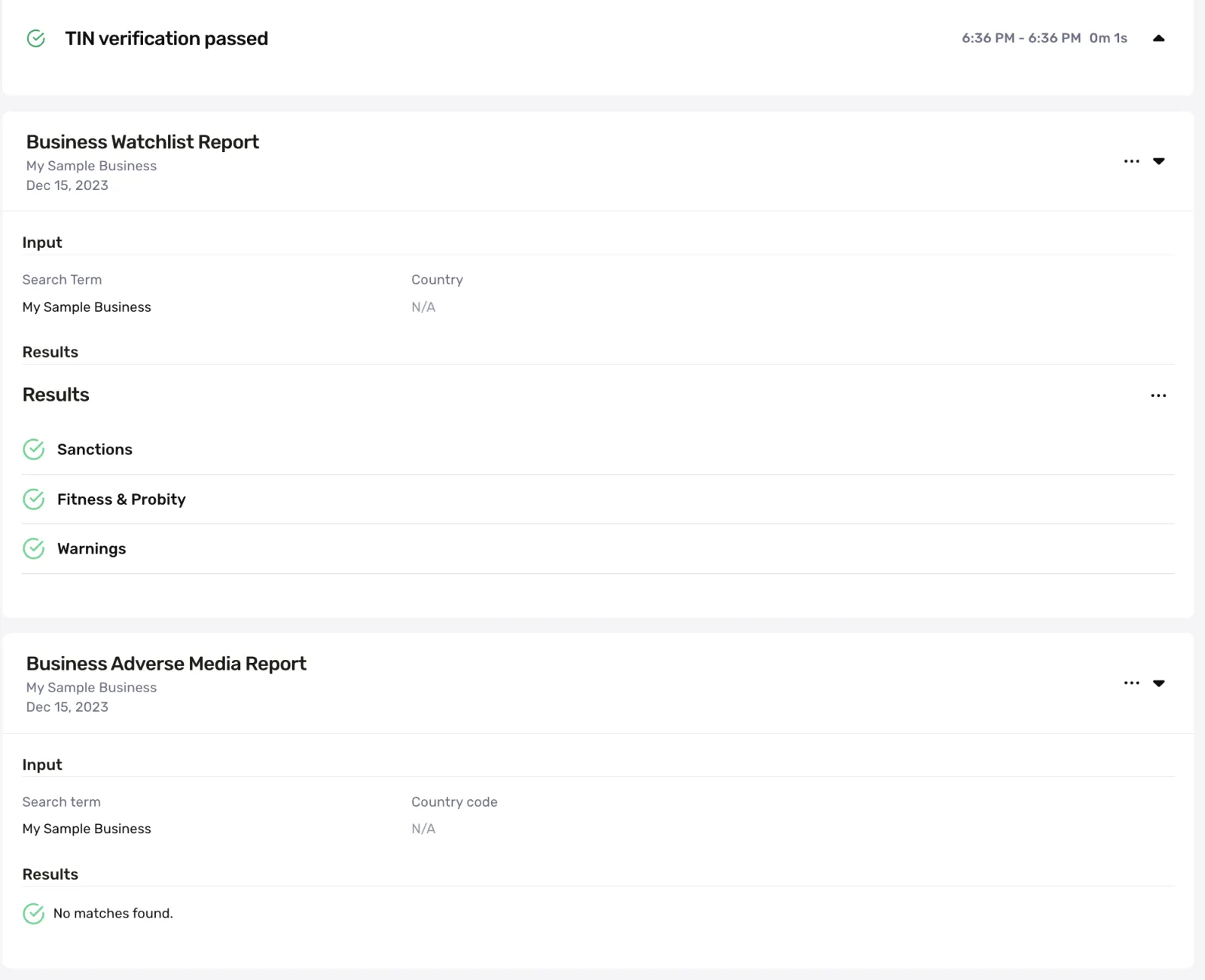
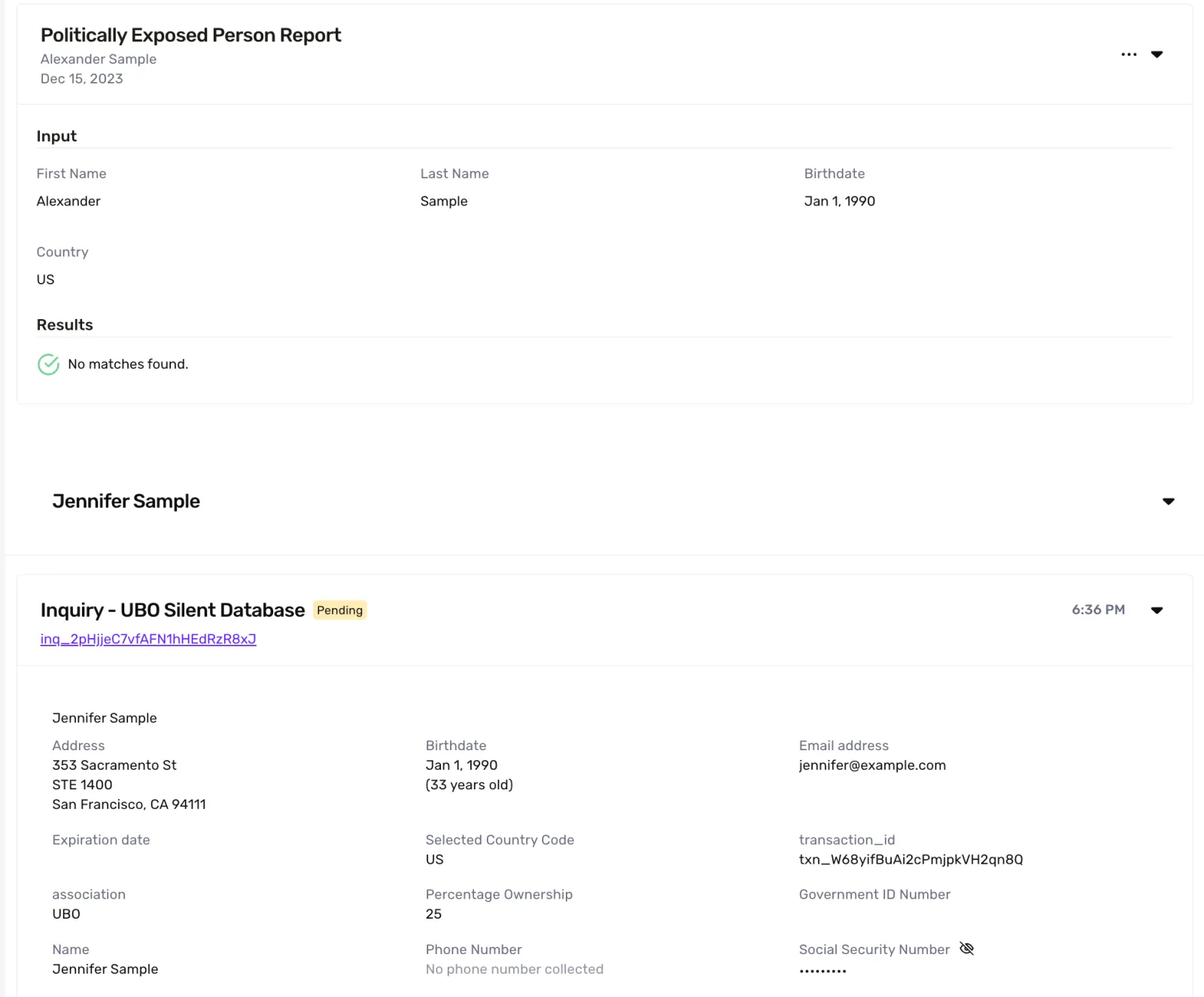
Many KYB flows include some level of manual review. Persona streamlines manual review with our Cases product: every KYB transaction will create a case where you can view all of the business’s verifications, reports, and associated people information all in once place. You can Approve or Decline a case from there, and that decision will reflect back on the transaction via Persona’s orchestration engine (workflows).