
Embedded Widget
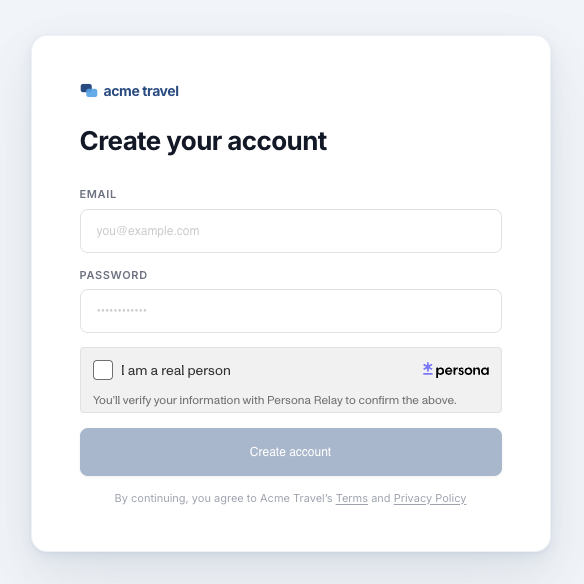
The Embedded Widget is a client-side integration method. It renders the user-facing verification directly in your website and invokes a callback when the flow finishes. No PII is returned to your client.
Prerequisites
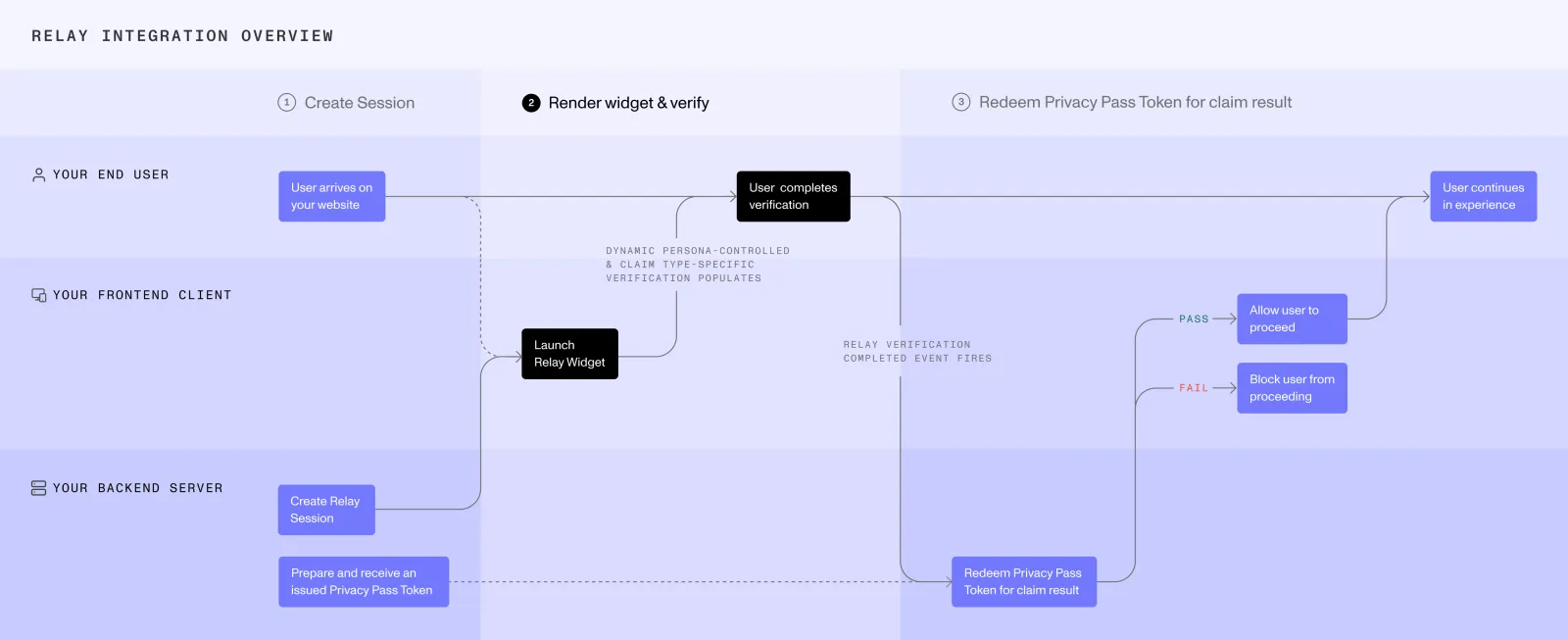
Before rendering the Widget, your server must create a Relay session and return the Relay session access token to your web client. See server-side integration methods.
Store the Relay secret securely on your server. Never expose it to the client.
Embed the Widget
Install
Available on npm: @persona/relay
npm
yarn
Add a container element
Add a div to your HTML where the Widget will render.
The first argument accepts either a CSS selector string or a direct DOM element reference.
Initialize
During this step:
- The Widget renders the configured verification experience.
- The user completes the flow inside the Widget.
onCompletesignals that the user-facing flow finished. It does not return PII or the claim result.
When onComplete runs, ask your server to retrieve the claim result with the Relay token, Relay secret, and Privacy Pass token stored during the server-side phases. See server-side integration methods.
Set the language
By default, Relay follows the user’s browser language. To show Relay in a specific language, set the language option to a language code. This option requires @persona/relay 0.2.0 or later.
See Languages for accepted language codes. Unsupported or unrecognized codes may fall back to the user’s browser or device language, or English.
Cleanup
Call relay.destroy() to unmount the Widget and clean up resources when it is no longer needed.
Try the Embedded Widget