Hosted Flow
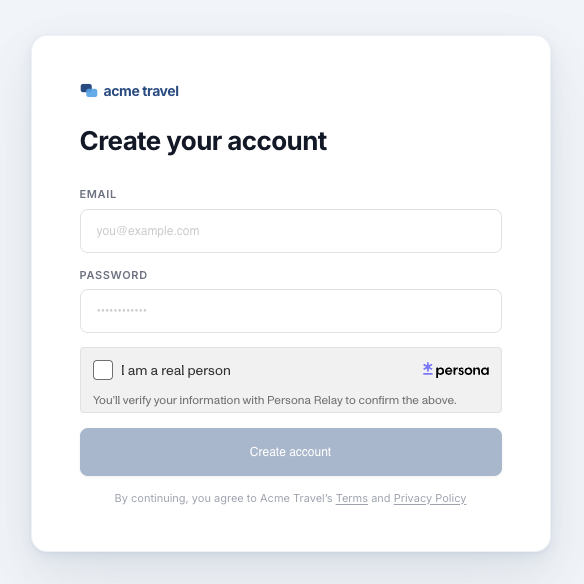
Hosted Flow runs the user-facing Relay verification on a Persona-hosted page. Use it when you want to keep verification separate from your website instead of embedding the Relay Widget. For some organizations, that distinct experience helps reinforce Relay’s privacy-preserving design for users.
Prerequisites
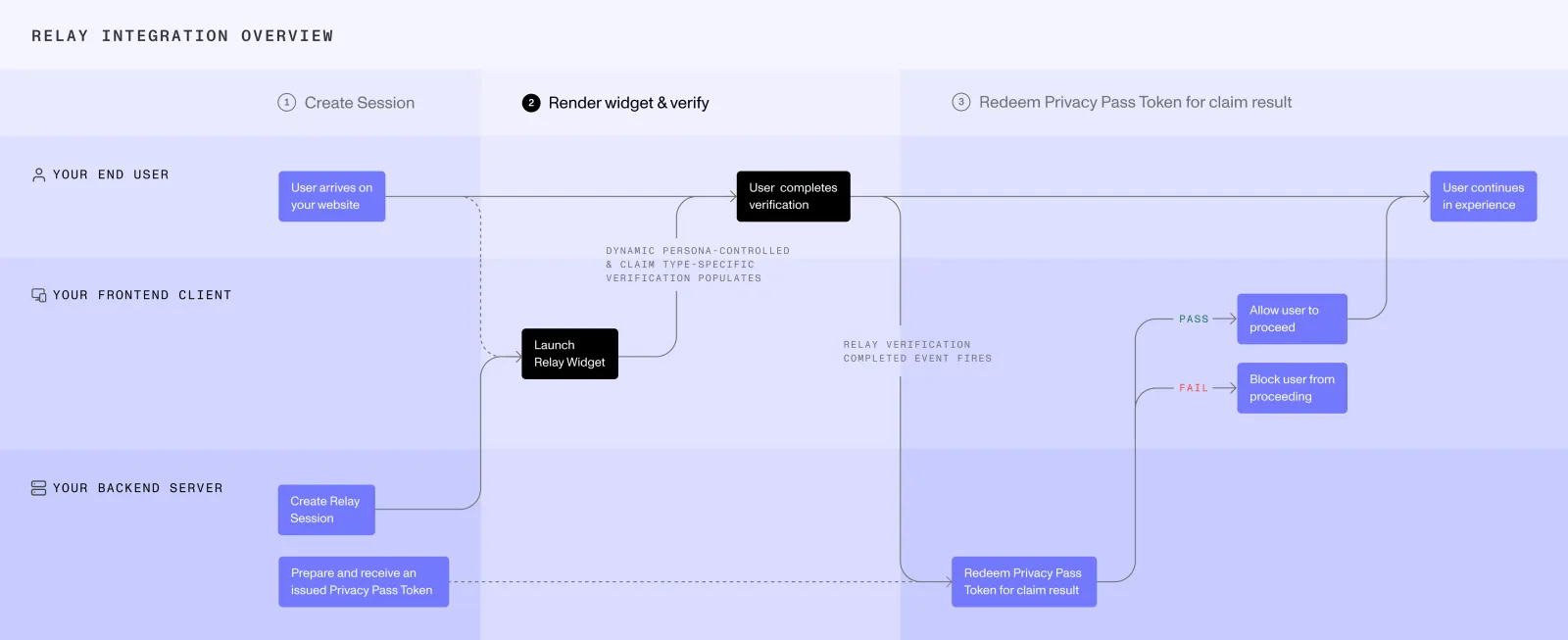
Your server must first create a Relay session using a server-side integration method.
Construct the Hosted Flow URL
Pass the Relay session access token to the production Hosted Flow URL. You can also set these optional query params:
theme:light,dark, orauto(defaultauto).language: a language code such asfr. Defaults to the user’s browser language. See Set the language.
Use URL and URLSearchParams to encode the token correctly:
Set the language
By default, Hosted Flow follows the user’s browser language. To show it in a specific language, add the language query param:
See Languages for accepted language codes. Unsupported or unrecognized codes may fall back to the user’s browser or device language, or English.
Open Hosted Flow
Open the URL in a new tab without a referrer:
Hosted Flow requires that the request arrive without a Referer header. Persona rejects Hosted Flow requests that include one — this is enforced, not just recommended. A user can verify that themselves by opening Hosted Flow from a page that sends a referrer and confirming the request is rejected.
A referrer would disclose your site’s domain to Persona and create a signal that could associate the verification with your platform. Preventing that disclosure is part of Relay’s design.
Hosted Flow intentionally does not redirect the user back to your site. A redirect destination would reveal your domain to Persona and create another signal that could associate the verification with the requesting platform.
When verification finishes, Hosted Flow tells the user that they can close the page.
Retrieve the claim result
Hosted Flow does not invoke an onComplete callback, redirect to your site, or send a completion postMessage to the original page.
Your backend should retrieve the claim using your selected server-side integration method.
Stop polling when the claim becomes available or according to your application’s timeout and error-handling policy.
Security
Store the Relay secret securely on your server. Never expose it to the client.
Try Hosted Flow